Explorer
See when it happened, then why.
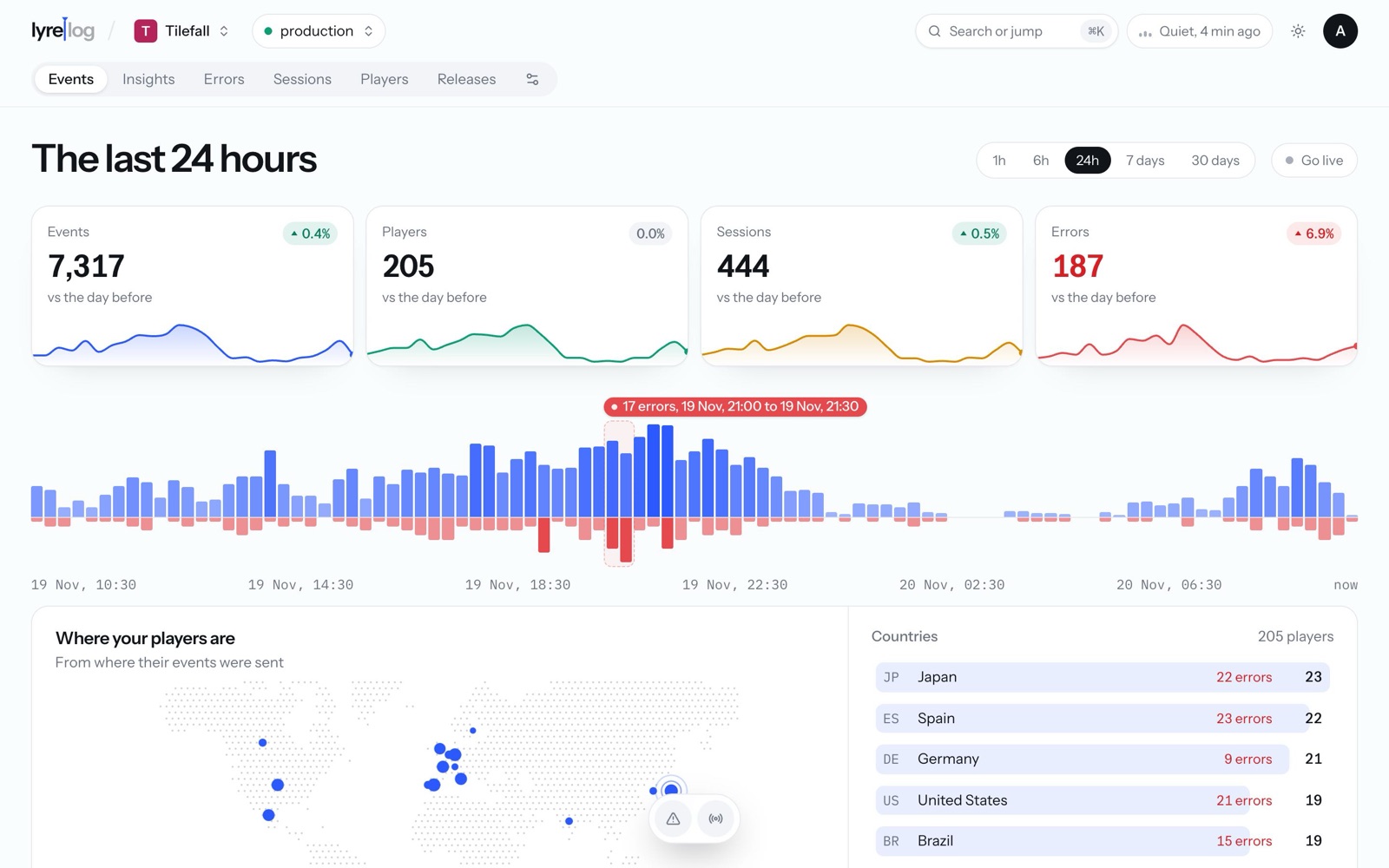
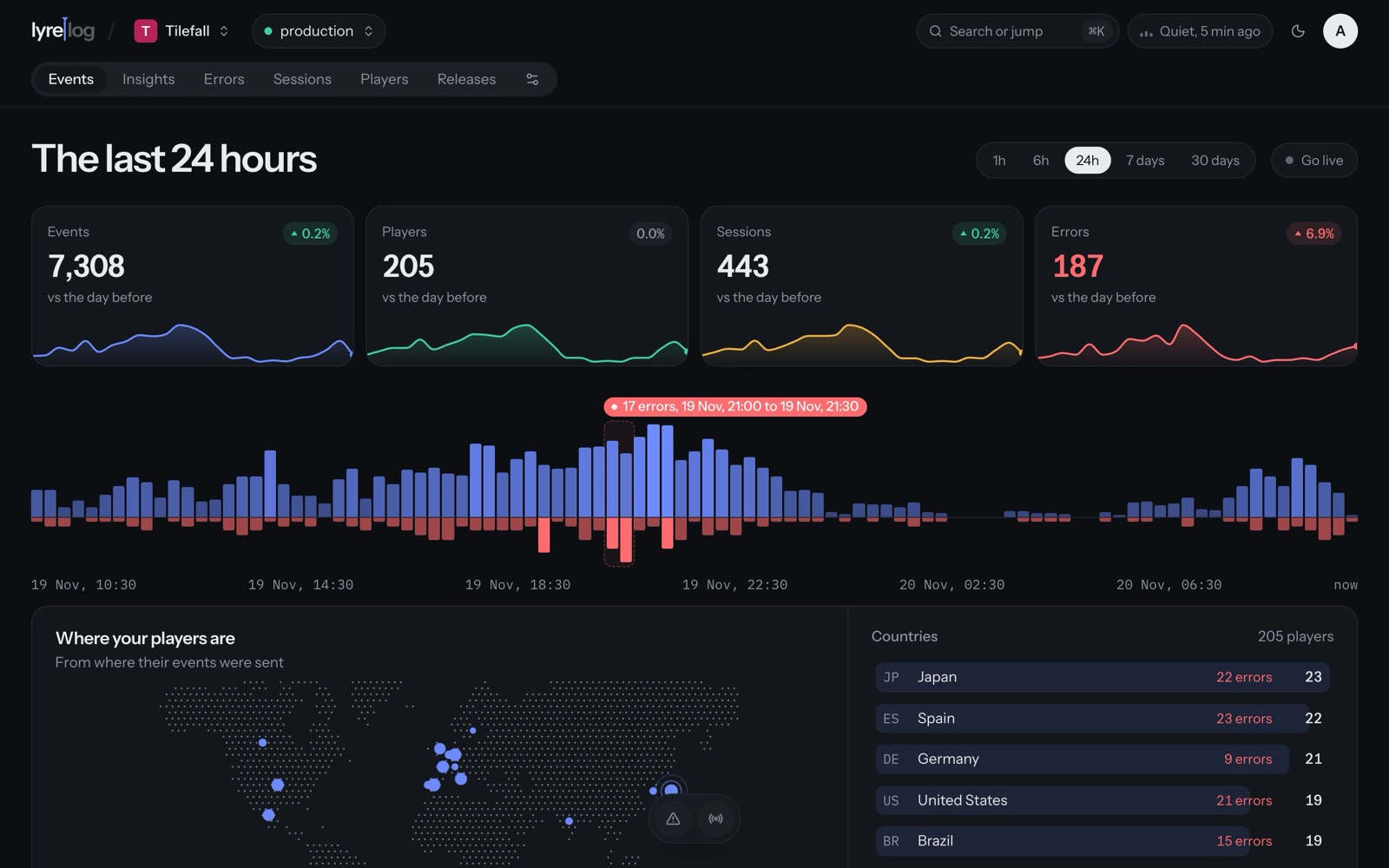
Every event your apps send, on one waveform: the events above the line, the errors below it. When errors jump, the chart says so; click to zoom into that moment.
Events
Players
Sessions
Errors
The last 24 hours
Hover the bars, pick a range, click the red note or Go live. The data is from Tilefall, a made-up puzzle game.
Filters that add up
Pick an area, a level, a version, a device, a country, or anything you sent in your attributes. Each filter becomes a token over the list; several values mean any of them, and Is not leaves them out.
Filters live in the address, so a view can be bookmarked or sent to someone on the project.
- 18:06:26cloud_save_failedsyncstatus=422 reason=schema_mismatch
- 18:05:12daily_completeddailyseconds=184 hints_used=0
- 18:04:40daily_upload_faileddailystatus=503 queued=true
Any id, and you're there
Paste an event id, a player, a session or an install, or type an event name or a page. Ids match exactly, and an event from outside the range on screen tells you when it happened.
Go to
Who's on which side of the world
A map of your people with a ranked list of countries and how many errors each has. The country comes from where the events are sent from; the address itself is never stored.
- ESSpain22 errors26
- BRBrazil28 errors24
- MXMexico15 errors22
- GBUnited Kingdom11 errors22
- DEGermany13 errors20
- JPJapan17 errors19
- USUnited States9 errors18
An event, whole
Click any event, or move with j and k, and it opens beside the list: everything it carried, and the moment it happened in.
Its attributes
Each with Only events where… and Hide events where…
The payload
Pretty-printed, or the raw event, copied as JSON
Its context
The person, the session and its length, the version, the device
Around this moment
The events just before and after it in its session
See it with your own app's events
Sign up with GitHub, Google or Apple. Your organization starts on Free; move it to Pro whenever you want.